When you promote an event, you share the same registration page across Meta ads, TikTok, email newsletters, influencer links, and more. UTM parameters are the standard way to label each link so you know exactly where each registration came from.
Reggiee captures UTM values automatically when someone lands on your page and stores them with their registration. You can then see breakdowns by source, medium, campaign, and more in the Analytics tab for any event.
What Reggiee tracks
Reggiee supports the six standard UTM query parameters:
utm_source— where the traffic came from (e.g.facebook,newsletter,tiktok)utm_medium— the marketing channel (e.g.paid,email,social,cpc)utm_campaign— the campaign name (e.g.spring_launch,earlybird_2026)utm_term— paid search keywords (optional)utm_content— differentiates creatives or links (e.g.video1,carousel_a)utm_id— platform campaign ID (optional, useful for Meta/Google campaign IDs)
Values are captured on first visit and kept for the browser session, so if someone clicks your ad, browses around, and registers later, the UTM data is still attached.
UTM vs ?ref=
Reggiee also supports a simple ?ref= parameter for quick manual tracking — great for Instagram bio links, QR codes, or one-off partner links.
| Use case | Recommended | Example |
|---|---|---|
| Meta / TikTok / Google ads | UTM parameters | ?utm_source=facebook&utm_medium=paid&utm_campaign=spring_sale |
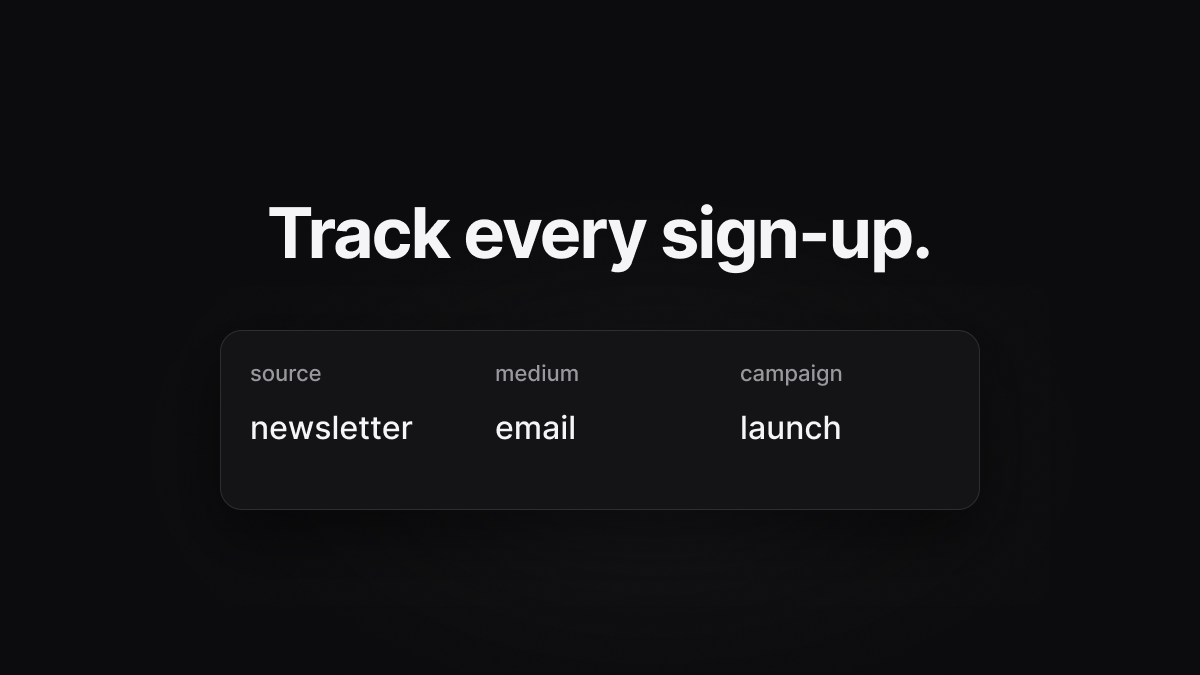
| Email newsletter | UTM parameters | ?utm_source=newsletter&utm_medium=email&utm_campaign=launch |
| Instagram bio, flyer QR code | ?ref= | ?ref=igbio |
| Both | Either or both | ?ref=partner&utm_source=instagram&utm_medium=social |
In Analytics, Top referrers shows ref values; the UTM attribution section shows the full UTM breakdown. Both are stored on every registration and included in CSV exports.
Building your links
Take your event URL and append query parameters. Replace your-event with your page path:
https://reggiee.com/your-event?utm_source=facebook&utm_medium=paid&utm_campaign=spring_sale&utm_content=video1Meta (Facebook / Instagram) ads
Most ad platforms let you set a URL parameters field. Meta supports dynamic values:
utm_source=facebook&utm_medium=paid&utm_campaign={{campaign.name}}&utm_content={{ad.name}}&utm_id={{campaign.id}}Or use static values for simpler reporting:
utm_source=facebook&utm_medium=paid&utm_campaign=spring_presaleTikTok ads
utm_source=tiktok&utm_medium=paid&utm_campaign=launch_week&utm_content=spark_ad_1Email (Klaviyo, Mailchimp, Brevo)
Add UTM tags to your CTA button URL in the email builder:
utm_source=klaviyo&utm_medium=email&utm_campaign=earlybird_reminderOrganic social
utm_source=instagram&utm_medium=social&utm_campaign=link_in_bioNaming conventions
Consistency matters more than perfection. A simple scheme that works well:
- Source — platform name, lowercase:
facebook,google,newsletter - Medium — channel type:
paid,email,social,referral - Campaign — event + phase:
fabric_summer_earlybird,tour_manchester_onsale - Content — creative variant:
video_15s,static_carousel,story_swipe
Use underscores instead of spaces. Keep names short but readable — they appear in your Analytics tables.
Where to see the data
- Open your event in the Reggiee app
- Go to the Analytics tab
- Scroll to UTM attribution — you'll see counts for source, medium, campaign, term, content, and ID
- The registrations table includes a UTM column (source / medium / campaign summary)
- Click Export CSV to download all UTM fields alongside contact details
Tips
- Test before you spend. Open your tagged URL in an incognito window, register with a test email, and confirm the UTM values appear in Analytics.
- One link per channel. Give each ad set, email send, or post its own
utm_contentorutm_campaignso you can compare performance. - Don't over-tag. You only need the parameters you'll actually report on. Source + medium + campaign covers most use cases.
- Works on tours. UTM values captured on the tour landing page carry through to individual stop RSVPs on the same visit.
Ready to tag your next campaign? Open your event's Analytics tab and use the example links as a starting point.